Steam AI Clone Games: Asset Flips, Valve Policy, and How to Spot Fakes
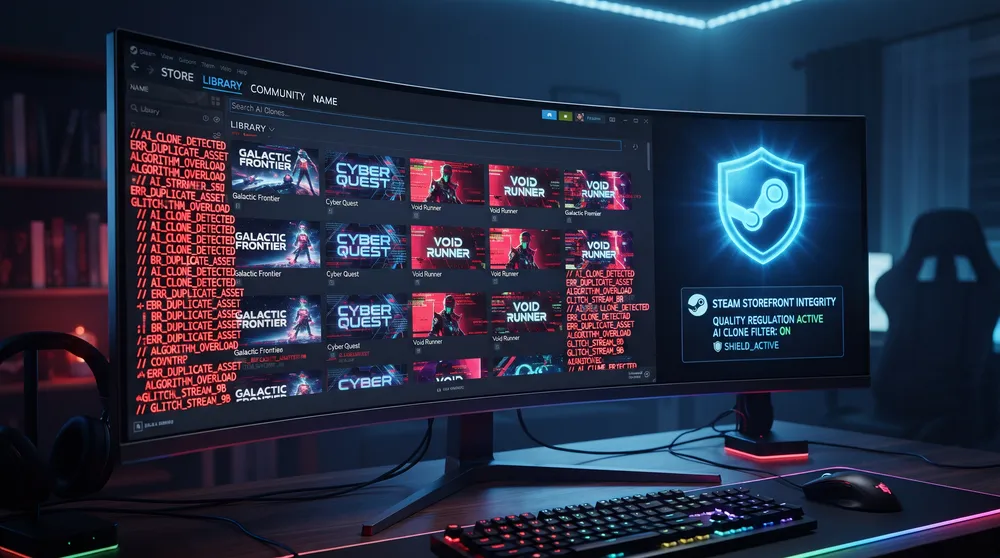
Generative modeling tools continue to reshape the speed of digital software production. However, this accessibility has introduced friction across digital storefronts, leading players and developers to voice concerns regarding steam ai clone problems. Because generative frameworks can output promotional artwork, voice lines, and foundational codebases within minutes, low-effort releases mimicking popular viral indie hits frequently attempt to bypass quality standards.
Much like evaluating desktop configurations and platform launchers in our analysis on whether Valorant is available on Steam, maintaining a clean, trustworthy digital marketplace is essential for discovering authentic indie titles.
Below is an examination of how AI-generated clones operate, Valve’s official publishing guidelines, and practical ways to identify counterfeit projects.
What Are AI Clones and Asset Flips on Steam?
The term AI clone describes software that copies the core identity, visual aesthetic, or gameplay loops of successful existing games through automated tools:
-
Synthetic Key Art: Developers feed promotional screenshots of trending indie games into image generators to create nearly identical cover banners without employing human artists.
-
Scraped Game Loops: Using coding LLMs, bad actors reproduce simple core loops (such as extraction shooters, cozy farming simulators, or puzzle titles). The titles function just enough to justify a store transaction, but lack meaningful polish, optimization, and post-launch bug fixing.
-
Machine-Generated Dialogue and Voiceover: Product pages and in-game dialogue trees rely on unedited machine translation, leading to disjointed sentences, lack of emotional inflection, and severe audio desynchronization.
Valve’s Official AI Policy and Developer Rules
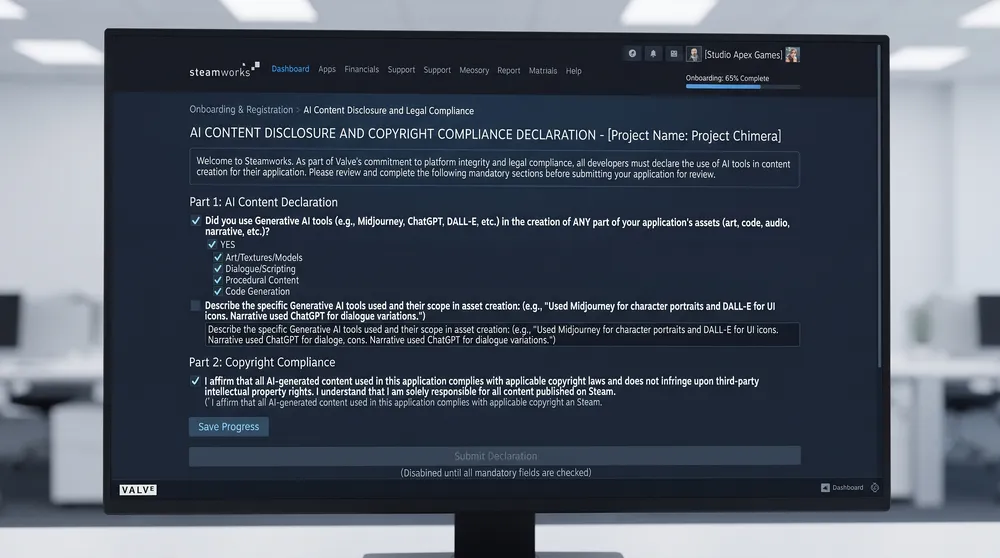
Valve does not completely ban artificial intelligence tools, but enforces strict disclosure and intellectual property standards through Steamworks:
-
Mandatory AI Disclosure: When developers submit a game build for review, they must fill out an AI Disclosure section. This categorizes usage into pre-generated content (assets created during production) and live-generated content (text, audio, or code created procedurally while the application runs).
-
Copyright Warranties: Developers must legally certify that their training datasets and generated assets do not infringe upon existing third-party copyrights, registered trademarks, or proprietary codebases.
-
Live Content Guardrails: Games incorporating real-time generated content must deploy robust filtering mechanisms to ensure software cannot generate unlawful, infringing, or harmful outputs during live user sessions.
How to Spot an AI Clone Before Buying
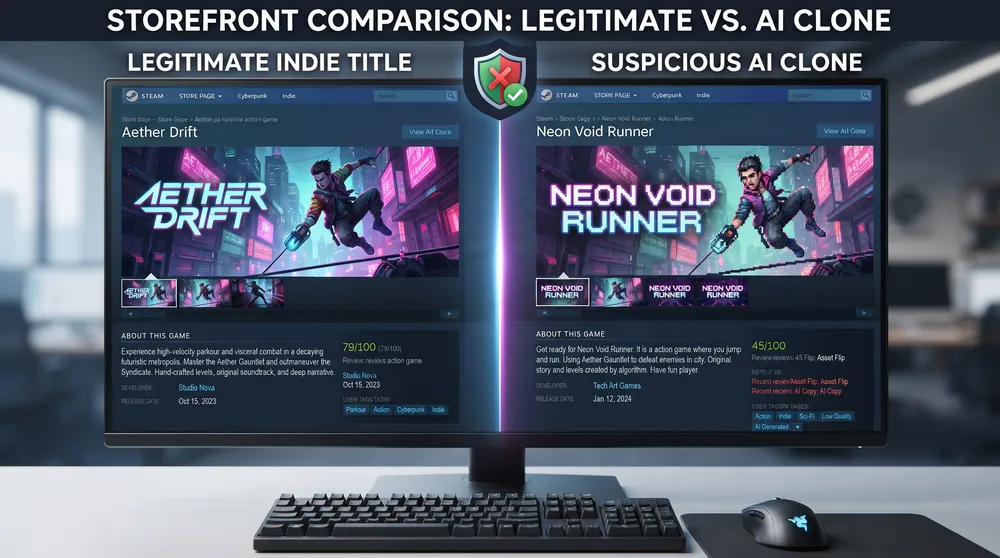
To protect your wallet and avoid unnecessary refund disputes, review these specific storefront indicators:
-
Read the Legal Disclosure Box: Valve displays developer AI declarations directly on the right-hand column of the store page, situated beneath the system requirements section. This outlines exactly which assets were computer-generated.
-
Check the Community Hub and Forum Activity: Authentic games feature organic community discussions covering balance feedback, patch notes, and gameplay strategies. Clone titles typically feature deserted forums or bursts of artificial positive reviews published within hours of launch.
-
Inspect Screenshot Fidelity: Look closely for visual generation artifacts in store promotional images, such as warped player hands, inconsistent weapon geometry across consecutive screenshots, and illegible background signage text.