
Valve’s September 2026 Crosshair Update: Everything That Changed
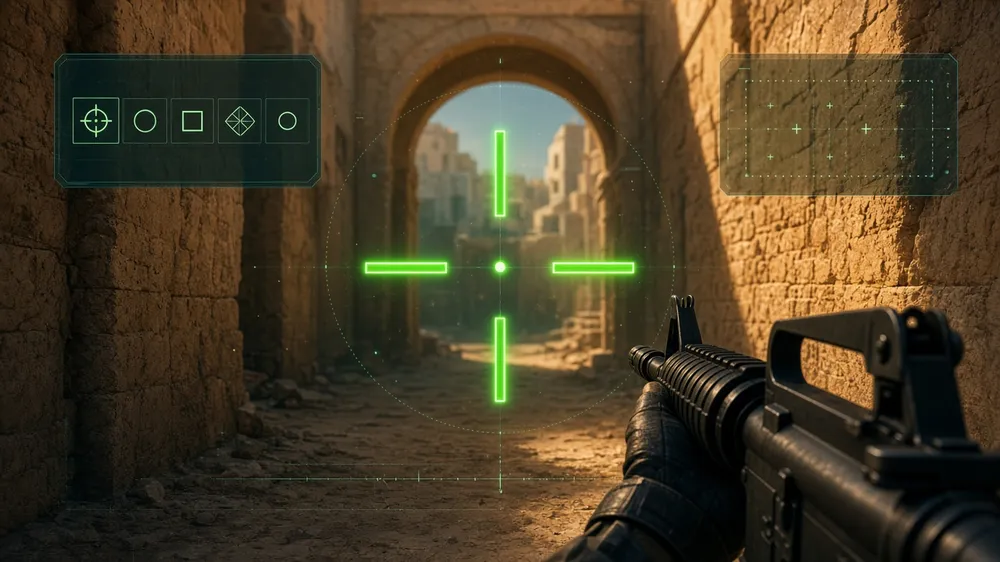
On September 22, 2026, Valve changed the way crosshairs work in CS2. Over the next ten days, it released several smaller patches that added new styles, new options, and a new way to share settings. If your crosshair suddenly looked strange, or a code you copied stopped working, these updates are the reason. Below, we explain each change in simple terms, show the key details in tables, and look at what it all means for your game.
What Changed on September 22
The changes started with the Rush Hour update, which also added the new 3v3 Rush mode. Three crosshair changes in this update stood out.
Crosshairs Now Look the Same on Every Screen
Before the update, the game changed your crosshair size based on your screen resolution, which is the number of pixels your screen shows. Because of this, the same settings could look thin on one monitor and thick on another. The difference was easy to see for players who play on a stretched screen. Now your crosshair keeps the same size, no matter which resolution you use.
A New Place for Crosshair Settings
All crosshair options moved to a new Crosshair/Scopes tab in the Settings menu. Settings for weapons with a scope, like sniper rifles, are now in the same place. Many settings and numbers also changed, so even experienced players needed a moment to find their way around.
A New Default Crosshair
Valve added new styles and made one of them, called Dynamic Quad, the default. It has four lines that stay in place and an outer part that moves when your shots become less accurate. Valve says it shows weapon accuracy more clearly. If you never changed your crosshair, this is probably the first thing you noticed.
What Valve Added in the Following Patches
Valve kept improving the new system with a few smaller patches. The table below shows what each one added and what it fixed.
| Date | What Was Added | What Was Fixed |
|---|---|---|
| September 23 | Static Square style, half outlines (top and left edges only), and crosshair size that adjusts automatically when you change resolution | A bug that ignored a gap of 0 |
| September 30 / October 1 | Static Quadrant style, outline color option, grenade crosshair before the round starts, and scope dot size and color in share codes | How moving styles show bullet spread; negative gaps returned for the classic dynamic style |
| October 2 | Nothing new | A display problem with the grenade crosshair at 3 pixels thick |
Sizes Are Now Real Pixels
On September 23, Valve explained that thickness, length, and gap now use real pixels. So if you want lines that are 8 pixels long and 1 pixel thick, with a 4-pixel gap, you simply type in those numbers. The problem is that your old numbers no longer mean the same thing. That is why so many crosshairs looked too big, too small, or had the wrong gap after the update.
A Patch That Was Removed and Then Returned
The September 30 patch made the game crash on launch for some players, so Valve removed it. It returned on October 1. This patch also changed the share code format again so that codes could save the scope dot settings. As a result, only codes made after September 30 include those settings.
Crosshair Styles at a Glance
With several new styles added, it helps to know which ones move and which stay still. Moving styles react to your accuracy, while fixed styles always look the same.
| Style | Does It Move? | Notes |
|---|---|---|
| Dynamic Quad | Yes | The new default since September 22 |
| Dynamic Circle | Yes | One of the new shapes added on September 22 |
| Static Cross | No | A popular choice among pro players |
| Static Square | No | Added on September 23 |
| Static Quadrant | No (fixed style) | Added on October 1 |
| Dot Only | No | Shows only a single dot |
What This Means for You
These patches change more than a few menu options. They affect what your crosshair tells you during a match and how you share your settings with others.
How to Find the Best CS2 Crosshair Settings Now
Because sizes, codes and commands all changed, many lists of the best CS2 crosshair settings published before the update no longer work. Before you copy a code, check that it starts with “CS” and was made after September 30. If you’re building your own, pick a style first, then set the length, thickness and gap in real pixels while watching the preview.
Moving Crosshairs Now Show Real Accuracy
Moving styles now show your weapon’s real spread, which is how far your bullets can land from the center of your crosshair. A setting called Dynamic Spread Limit lets you choose how far the crosshair can open up, and the smallest spread distance is 64 pixels. This makes moving crosshairs useful for practice. You can clearly see how running, jumping, or holding down the fire button affects your aim.
Easier Smokes at the Start of a Round
You can now see the grenade crosshair during freeze time, the short period before a round begins. Just hold a grenade attack button, and the crosshair appears. This makes it easier to aim smokes that you want to throw the moment the round starts.
Old Codes and Settings Need Updating
The table below shows the main differences between the old and new systems. “Console commands” are the commands you type into the game’s console to change settings.
| Setting | Before the Update | After the Update |
|---|---|---|
| Size values | Changed with your resolution | Real pixels |
| Share codes | Started with “CSGO-” and had dashes | Start with “CS,” have no dashes, and save the screen height they were made at |
| Console commands | Used names like cl_crosshairsize | Renamed, for example to cl_crosshair_length; old commands are ignored without any warning |
| Outline thickness | Could be set to values like 0.5 | Off, half, or full |
| Negative gap (lines pushed into the center) | Available on every style | Only on the classic dynamic style (since September 30) |
This is also why many lists of crosshair settings published before the update no longer work. Before you copy a code, check that it starts with “CS” and was made after September 30.
Conclusion
The September 2026 update changed almost every part of the CS2 crosshair. Sizes now use real pixels, there are more styles to choose from, and moving crosshairs finally show true accuracy. It may take a little time to get used to, especially if you had an old code you loved. The quickest fix is to rebuild your crosshair in the new tab, save a fresh code, and keep it somewhere safe.


