
Roblox VNG Vietnam Launch & Account Transfer Guide
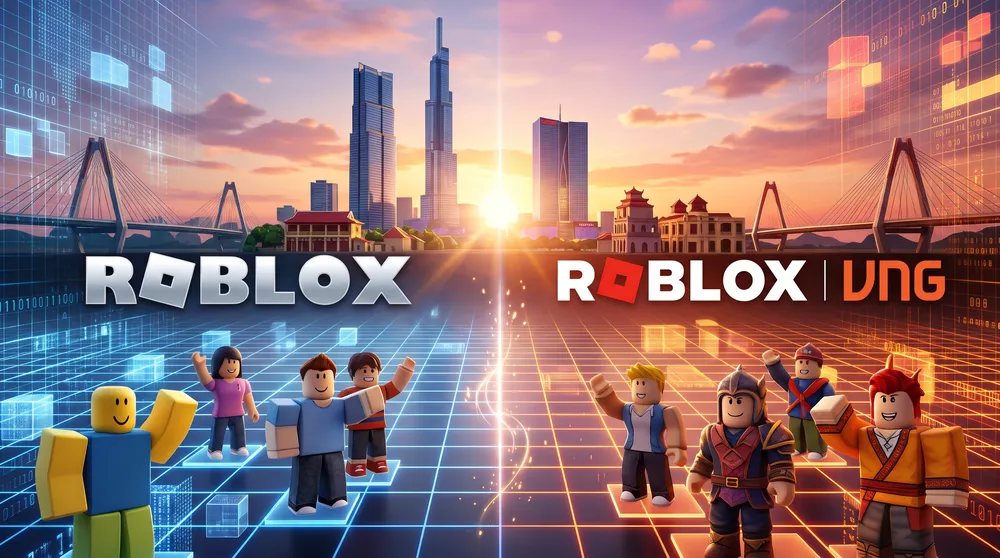
Players in Southeast Asia face a revamped distribution pipeline on mobile and desktop platforms. To comply with local cybersecurity regulations and digital publication laws in Vietnam, Roblox Corporation partnered with regional gaming giant VNG Games to publish Roblox VNG.
Much like configuring your primary desktop workstation with our walkthrough on how to download and install Roblox on PC, setting up this localized release requires specific account-linking steps to protect your library.
Here is the operational breakdown of why Roblox VNG exists, how to complete the account migration, and how to resolve common installation errors.
Why Was Roblox VNG Introduced?
Vietnamese regulatory policies require foreign online gaming operations to maintain local data infrastructure, local billing support, and domestic publisher representation. Without this collaboration, Vietnamese IP addresses faced total network restrictions.
-
Domestic Customer Service: VNG manages local payment channels, regional customer tickets, and physical gift card retail networks.
-
Shared Global Ecosystem: Vietnamese players do not play on an isolated server island. The client connects directly to the shared international multiplayer instances.
-
Statutory Age Verification: The registration portal incorporates required identity fields in accordance with domestic regulations.
How to Link Your Global Account to Roblox VNG
If you already own an international Roblox account, you do not need to create a fresh profile from scratch:
-
Download the verified Roblox VNG client from the iOS App Store, Google Play Store, or the official VNG web portal.
-
Launch the application and click Log In using your existing international username and password.
-
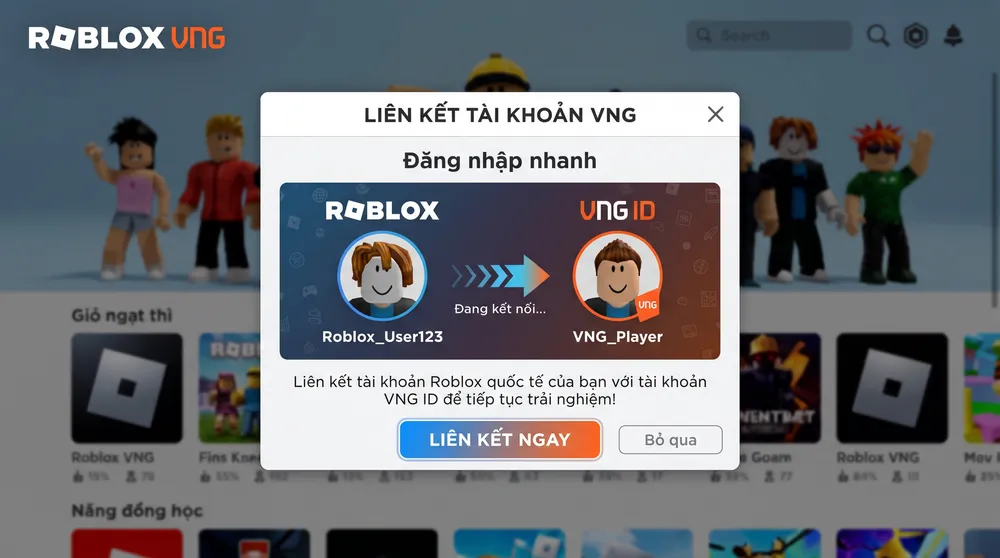
The platform will automatically flag your local IP routing and bring up the VNG Account Link prompt.
-
Follow the on-screen instructions to create or connect a VNG ID.
-
Provide the required birthdate and identity verification entries, then confirm the data sync.
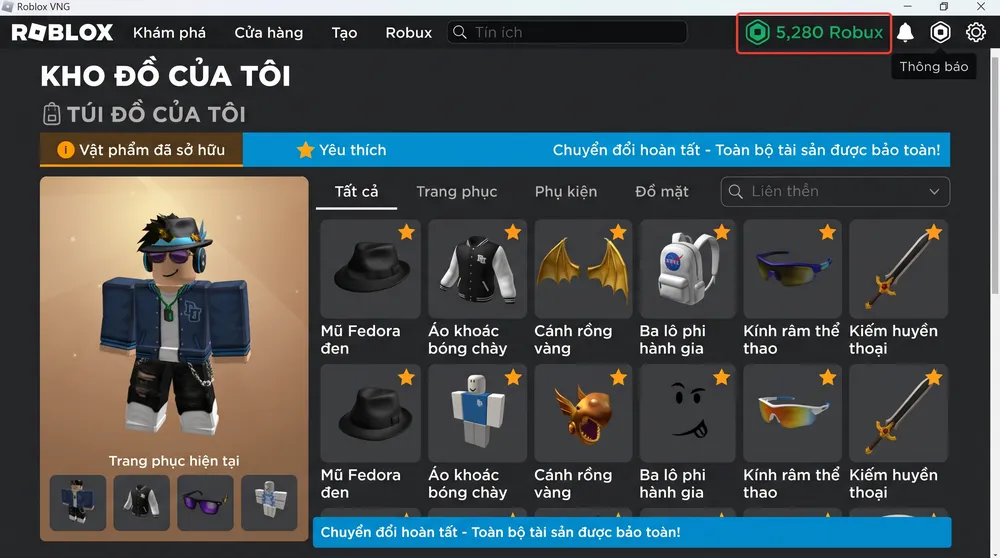
Once authenticated, your owned avatar accessories, gamepasses, friends list, and historical Robux balance transfer over seamlessly.
Troubleshooting Common Migration Errors
If you encounter connection drops or store download issues:
-
Regional Store Settings: Ensure your Apple ID or Google Play Store billing address aligns with Vietnam if you are attempting to pull updates natively from regional storefronts.
-
Delete Duplicate Global Clients: Running the international Roblox client and the Roblox VNG build side by side on mobile devices can cause cache collisions. Uninstall older international client APKs before initializing the VNG build.


