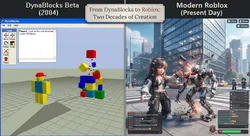
Lemonade.gg in Roblox Studio: How to Use Lemonade AI to Build Games Fast
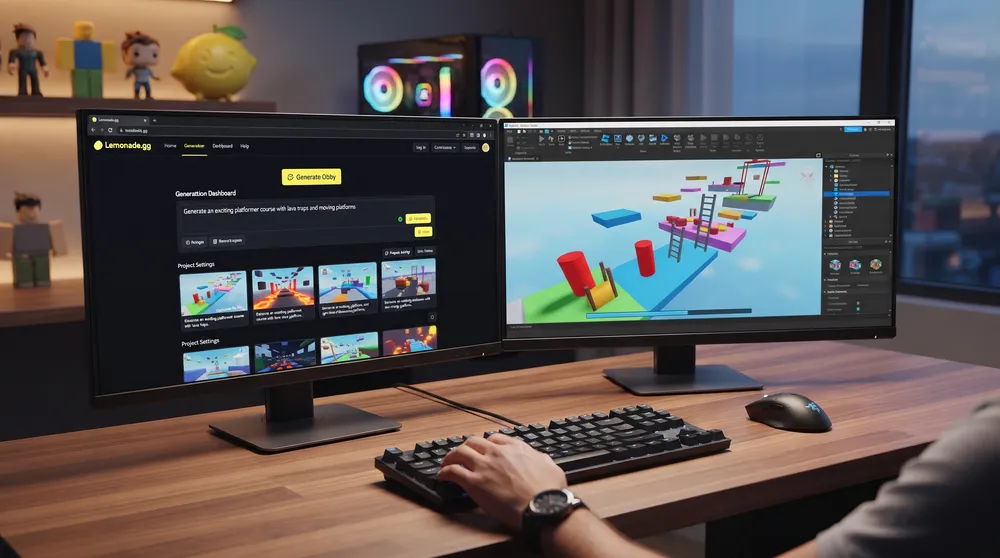
Generative AI continues to transform the development landscape, and Roblox creation is moving toward natural-language game assembly. While general LLMs can draft individual scripts, platform-specific engines like lemonade.gg have surged to the top of developer searches by offering end-to-end prompt-to-experience pipelines designed specifically for Roblox Studio.
Here is how lemonade.gg works, how to connect its plugin to Roblox Studio, and how to use it to generate complete game mechanics.
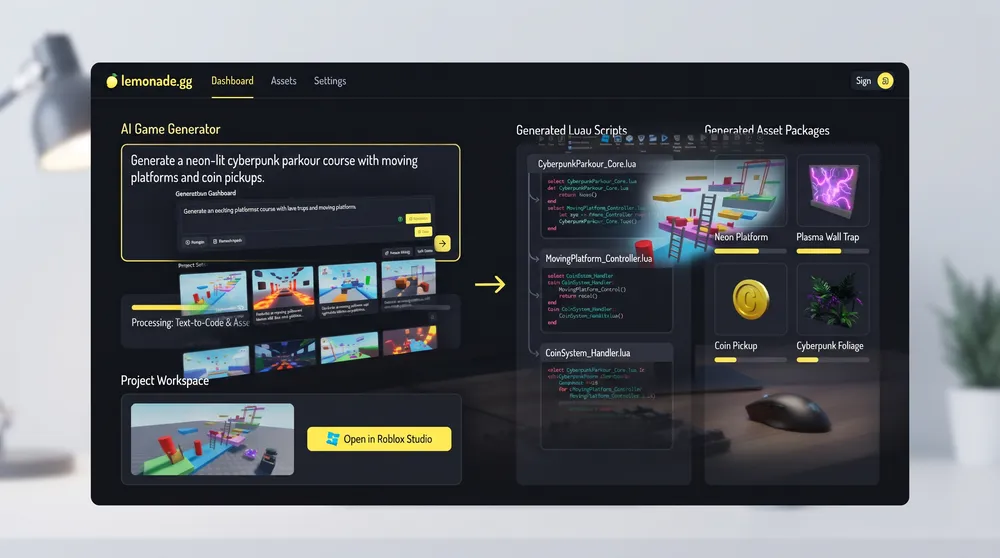
What Is Lemonade.gg?
Lemonade.gg is an AI-powered game generation platform built specifically for the Roblox engine ecosystem:
-
Full-Stack Game Generation: Instead of generating isolated code snippets, Lemonade compiles environment layout, character spawners, UI elements, and backend Luau game loops into cohesive packages.
-
Text-to-Game Workflow: Developers provide high-level prompt directives (such as "Create a 15-stage procedural obby with falling lava platforms and a coin reward shop"), and the AI compiles the structural place file.
-
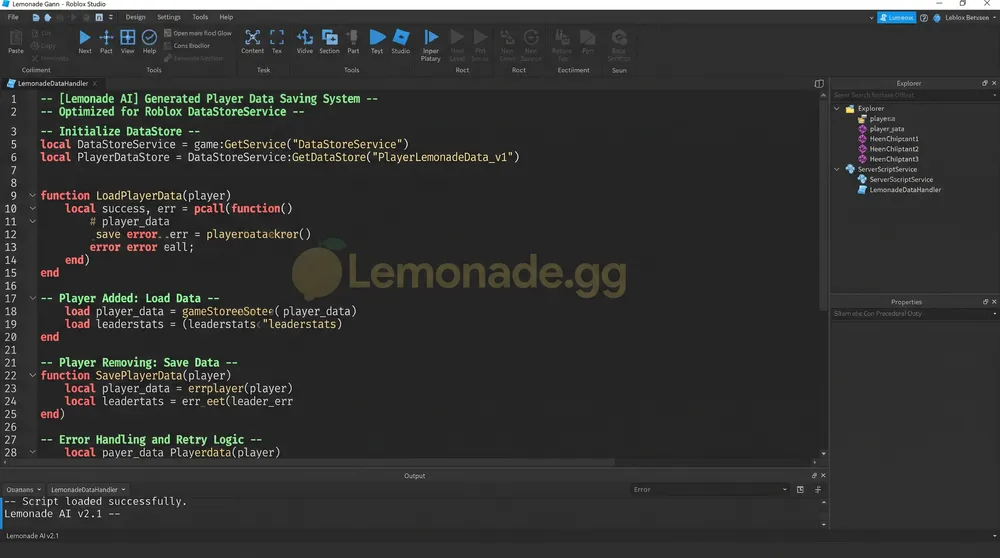
Studio Synchronization: Through dedicated plugins, assets and scripts created on the web dashboard sync directly into local Roblox Studio place files without manual file extraction.
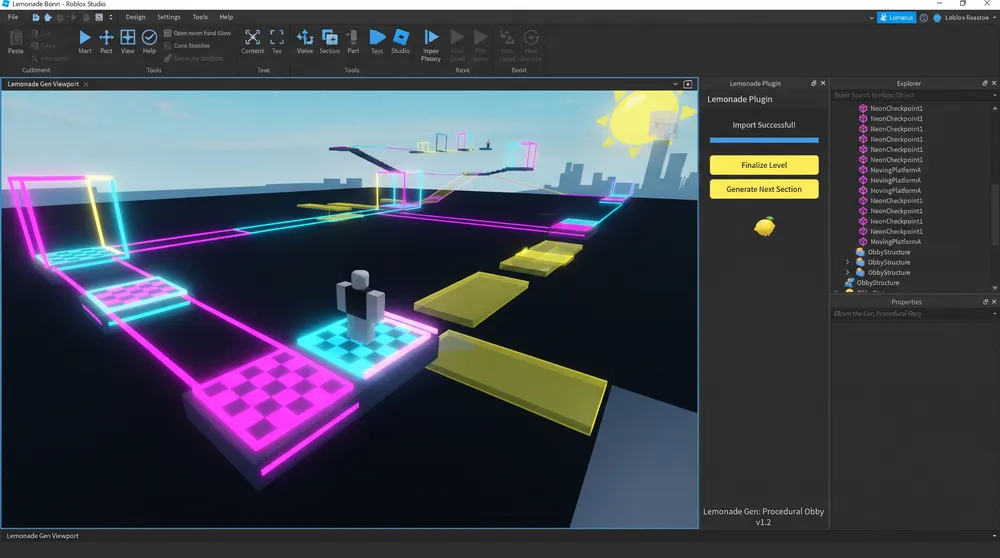
Step-by-Step: Connecting Lemonade to Roblox Studio
Integrating the platform into your production pipeline requires linking your creator account:
-
Create an Account on Lemonade.gg: Sign up on the official portal and select your primary developer tier.
-
Install the Official Studio Plugin: Download the verified Lemonade AI companion plugin from the official Roblox Creator Store.
-
Link Your API Key: Open Roblox Studio, launch the Lemonade plugin panel from the top toolbar, and paste your unique authentication token generated in your Lemonade dashboard.
-
Import Project Blocks: When you generate a mechanic or level segment on the web portal, click Push to Studio to allow the plugin to instantiate models, scripts, and lighting profiles directly into your active Workspace.
Best Use Cases for Rapid Prototyping
To get the highest quality output from Lemonade AI, focus on modular systems rather than expecting a finished commercial game from a single sentence:
-
Obstacle Courses (Obbies): Lemonade excels at laying out timed platforms, kill bricks, moving hazards, and checkpoint systems with functional leaderboards.
-
Tycoon and Simulator Loops: Quickly scaffold core progression loops, such as click-to-collect currency multipliers, rebirth thresholds, and unlockable plot areas.
-
User Interface Scaffolding: Generate responsive HUD layouts (health bars, shop interfaces, inventory grids) that automatically anchor cleanly across PC, mobile, and console viewport ratios.
Production Precautions for Developers
While Lemonade accelerates asset generation, professional creators must maintain code quality standards:
-
Audit Server-Client Boundaries: Verify that currency and health transactions run strictly through
ServerScriptServiceand validate inputs viaRemoteEventsto prevent client-side script exploitation. -
Optimize Part Counts: Automated generators can occasionally output excessive individual parts. Union overlapping geometric blocks or convert complex geometry into optimized 3D meshes to preserve 60 FPS on mobile devices.
-
Save Version Backups: Always publish a clean version of your place to the Roblox Cloud before importing bulk assets from external AI generators.