
PS5 Rest Mode vs. Shutdown: Power, SSD Wear, and Update Guide
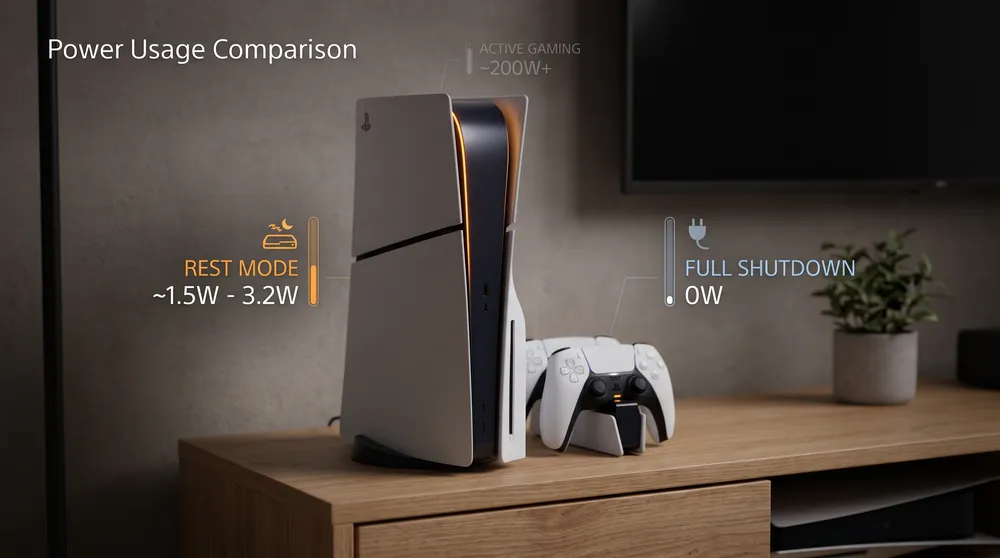
Every console generation introduces quality-of-life standby states designed to eliminate loading hurdles. On the PlayStation 5, deciding between putting your hardware into Rest Mode or performing a full system shutdown remains a common debate across hardware communities.
Similar to managing your peripherals through our guide on how to use a PS5 controller on PC, understanding how Sony configures power states ensures your console operates efficiently without inflating your electric bill or corrupting save data.
Here is the technical comparison of power consumption, background functionality, and system stability between Rest Mode and total shutdown.
Power Consumption: The Real Energy Cost
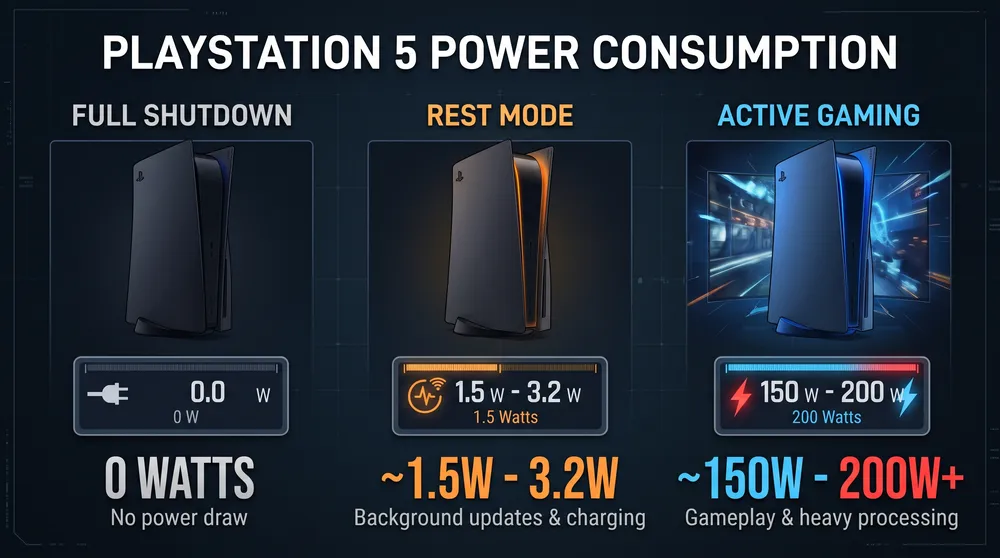
The primary reason players hesitate to use Rest Mode is electric draw. Modern consoles maintain strict low-power compliance:
-
Full Shutdown (Powered Off): Draws approximately 0.1 to 0.3 Watts while plugged into a wall outlet to sustain internal safety capacitors.
-
Standard Rest Mode (Passive Standby): Draws roughly 1.2 to 1.5 Watts when idle with internet connection maintained.
-
Rest Mode with Active Background Downloads: Increases draw to 3.0 to 3.5 Watts while actively writing incoming game patches to the internal solid-state drive.
-
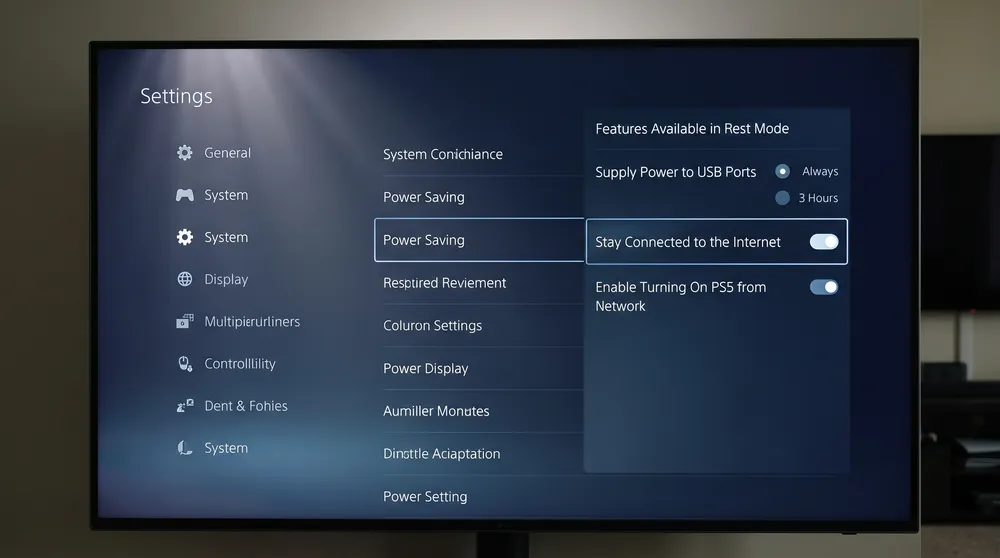
USB Controller Charging: If you configure USB ports to deliver power for three hours after entering standby, power draw sits around 5.0 to 6.0 Watts until the controller battery hits full charge, then drops back to baseline.
Over an entire year of daily use, leaving a PS5 in passive Rest Mode accounts for less than a few dollars in total electricity expenditure, dispelling the myth that standby states represent heavy energy vampires.
Key Benefits of Using Rest Mode
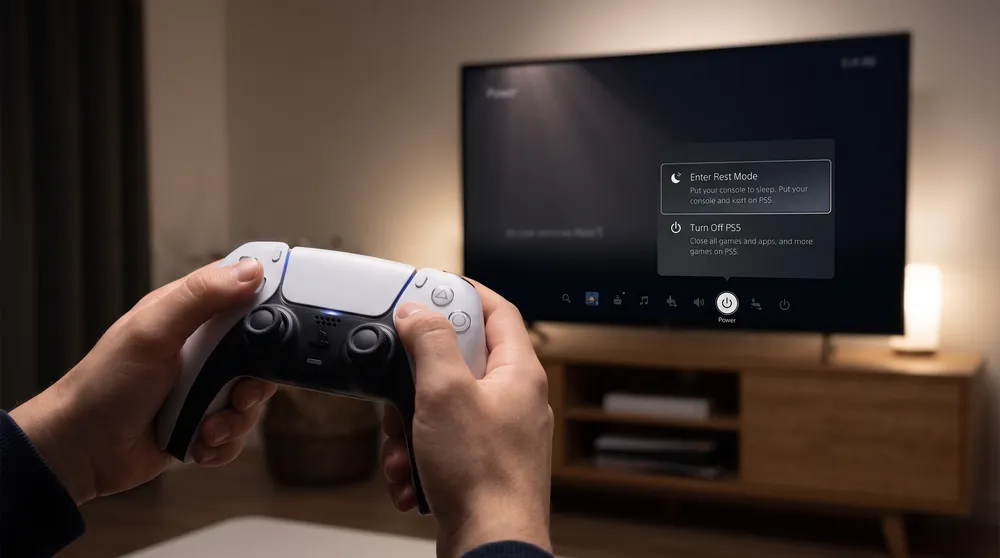
Choosing Rest Mode provides several practical conveniences:
-
Automated Background Updates: The console wakes momentarily during early morning hours to download and install titles, hotfixes, and system firmware updates. Your game library is always ready to launch without waiting through progress bars.
-
Instant Game Suspend and Resume: Rest Mode maintains system RAM in an active state. When you power the console back on, you return instantly to your exact in-game location without watching opening title sequences or studio splash screens.
-
Remote Play and App Access: If you use PlayStation Remote Play on mobile or PC, the hardware must remain in Rest Mode to accept incoming network wake-up commands.
-
Accessory Charging: The front USB-C and USB-A ports continue feeding power to your headsets and controllers even while the television display is off.
When You Should Shut Down Completely
Despite its convenience, performing a full shutdown is preferable under specific circumstances:
-
Unstable Power Grids and Storms: If your area experiences lightning storms, brownouts, or sudden power grid interruptions, a console in Rest Mode can suffer storage corruption if power cuts while the SSD is actively caching files. Always shut down completely and use a surge protector during inclement weather.
-
Long Periods of Inactivity: If you plan to travel or leave the console unused for weeks, powering down completely reduces component heat degradation and prevents accidental wake-ups caused by HDMI-CEC commands from smart TVs.
-
Clearing System Cache: If you notice stuttering menus, slow network throughput, or game crashes, a complete shutdown clears temporary operating memory and resets cache allocations.


