
Prime Gaming Free PC Games November 2026: Complete Lineup and How to Claim
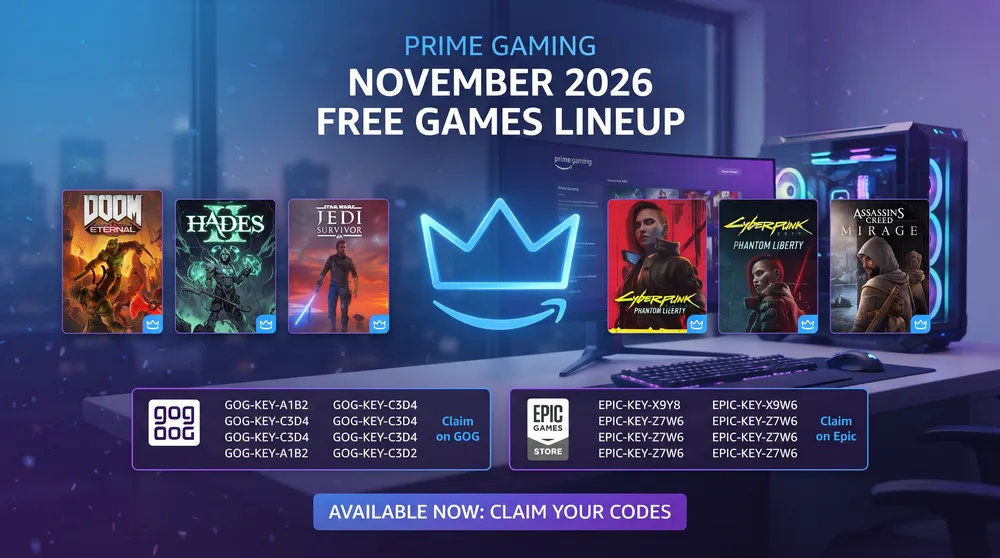
Building a deep PC game library requires tracking monthly subscription perks across major storefronts. Breakout search volume for prime gaming free pc games confirms that PC players are actively claiming November's rotating lineup of standalone RPGs, tactical shooters, and indie releases.
Much like tracking limited-time 100% discounts, claiming your monthly Prime Gaming benefits ensures you permanently lock digital licenses to your accounts before redemption windows close.
Here is how Prime Gaming's weekly release schedule operates, how different storefront keys work, and the exact steps to claim your titles.
How Prime Gaming Free PC Games Work
Included at no extra cost with a standard Amazon Prime membership, Prime Gaming distributes full PC games every week:
-
Staggered Thursday Releases: Rather than dropping the entire month's catalog on day one, Amazon unlocks new batches of free games every Thursday throughout November.
-
Permanent Ownership: Unlike subscription catalogs where games vanish when you cancel, every PC game claimed through Prime Gaming is yours to keep forever. Even if your Prime membership expires later, you retain full access to install and play previously claimed titles.
Understanding Launcher Distribution: GOG, Epic, and Amazon Games
Prime Gaming does not lock every title behind a single proprietary launcher. Depending on publisher agreements, games are distributed across four primary channels:
| Distribution Channel | Redemption Method | Ownership & DRM Format |
| GOG (Good Old Games) | Generates a unique alphanumeric redemption code | 100% DRM-Free; includes offline standalone installers. |
| Epic Games Store | Direct account linking via OAuth | Added permanently to your Epic Games library without manual keys. |
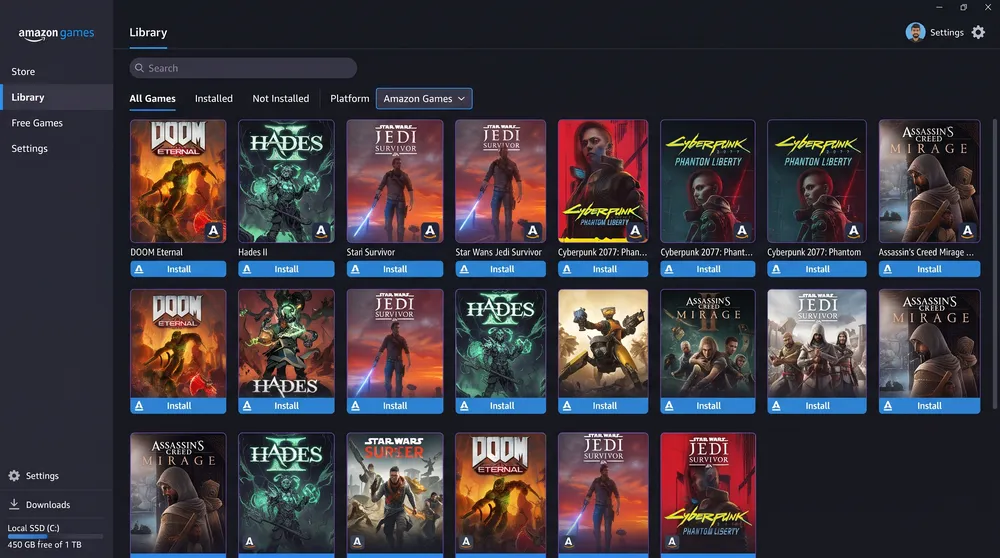
| Amazon Games App | One-click claim inside the Prime portal | Downloadable through the lightweight Amazon Games Windows client. |
| Legacy Games | Generates a promotional voucher code | Redeemed directly on the Legacy Games casual portal. |
Step-by-Step: How to Claim and Redeem Your Games
To ensure no monthly titles expire before you bind them to your account:
-
Visit the Prime Gaming Portal: Navigate to
gaming.amazon.comand sign in with your active Amazon Prime account. -
Filter by "Free Games": Click the Games tab at the top of the dashboard to separate full game downloads from in-game cosmetic loot drops.
-
Click "Get Game": Select an available title and click Get Game.
-
For Epic Games titles: Follow the prompt to link your Epic account once; future claims will deposit automatically.
-
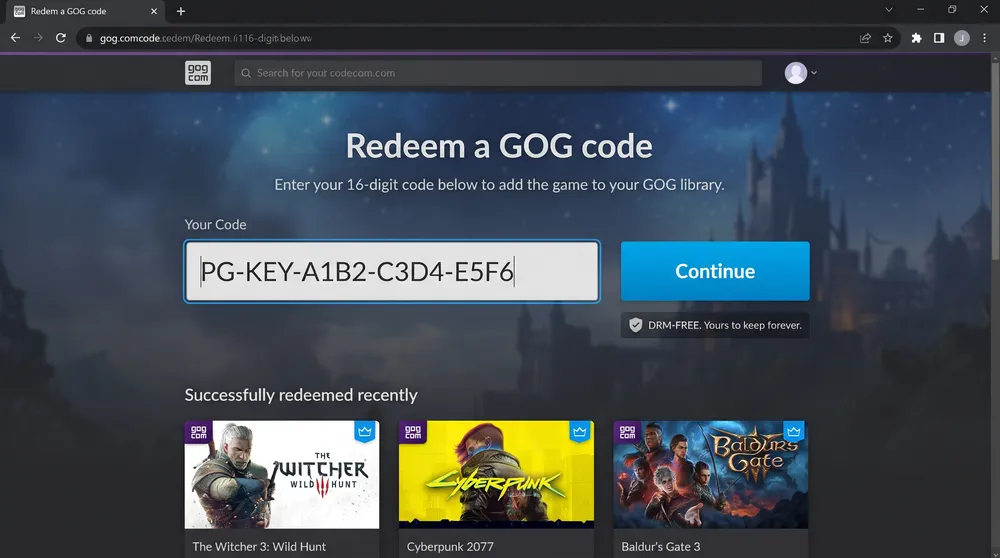
For GOG codes: Copy the generated key immediately and paste it at
[gog.com/redeem](https://gog.com/redeem)before the code's expiration date printed below the key box.
-
-
Install via Your Preferred Client: Open the corresponding desktop launcher to download the game files to your local NVMe drive.


