
Roblox Quốc Tế Mới: How to Download and Play the Global International Client
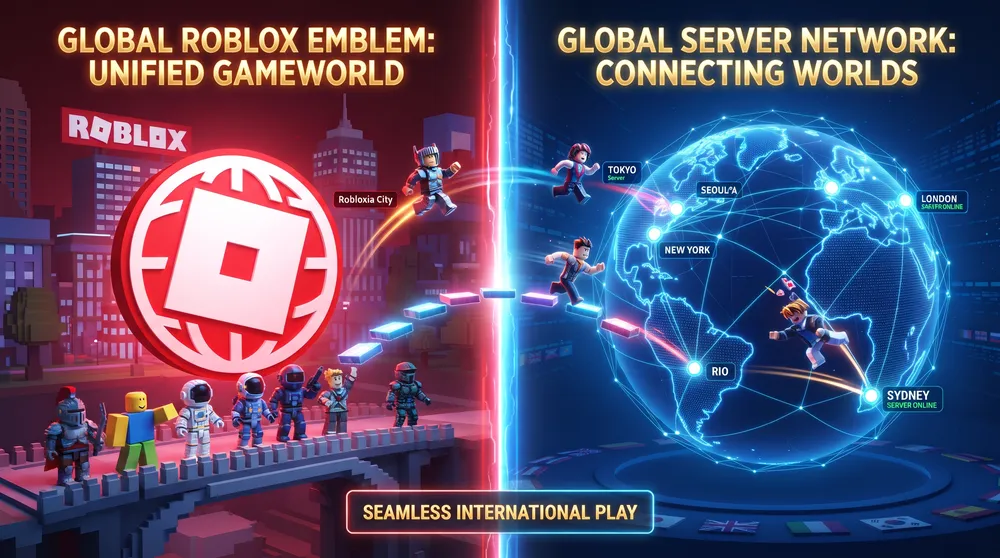
Navigating platform distribution in Southeast Asia has become a recurring challenge for players. Following regulatory agreements that led to the deployment of dedicated domestic clients, thousands of users actively search for roblox quốc tế mới (new Roblox international) to reconnect with global servers, bypass restricted account verification protocols, and maintain international friend lists.
Here is the step-by-step walkthrough to download, install, and access the global international client on PC, Android, and iOS.
Why Players Prefer the Global (Quốc Tế) Client
While regional clients comply with local publishing regulations, many competitive and long-term players prefer the unrestricted international build:
-
Global Economy Access: Certain localized versions alter Robux pricing tiers, restrict gift card redemptions, or limit promotional catalog item redemptions.
-
Server Discovery and Ping Routing: The international client connects directly to standard cloud edge clusters without forced regional matchmaking routing.
-
Unrestricted Cross-Platform Play: Experiences that have not completed domestic publisher registration often appear invisible or blocked inside regional storefronts.
How to Install the Global Client on PC
On Windows and macOS desktop platforms, running the international build is simple:
-
Clear Local AppData Caches: If a localized domestic launcher was previously installed, open Windows Settings, navigate to Installed Apps, and uninstall the local launcher.
-
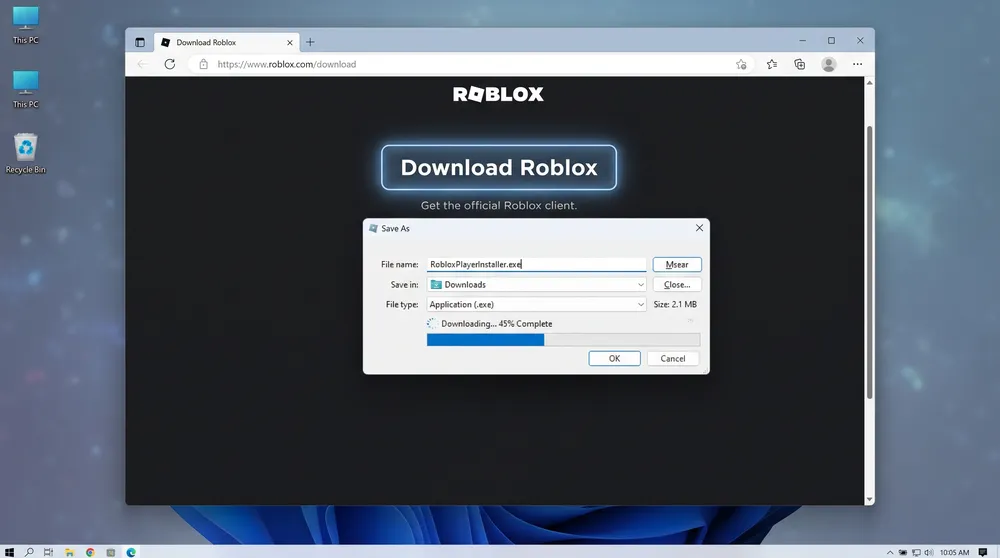
Download from the Global Domain: Open a web browser and navigate directly to the primary global portal:
[www.roblox.com](https://www.roblox.com). Ensure you do not click regional domain redirects. -
Trigger the Web Installer: Log into your standard account, select any public game experience, and click the green Play button.
-
Run the Installer: When prompted, download and run
RobloxPlayerInstaller.exe. The global client will configure itself inside your local system directory automatically.
How to Download on Android (APK and Regional Workaround)
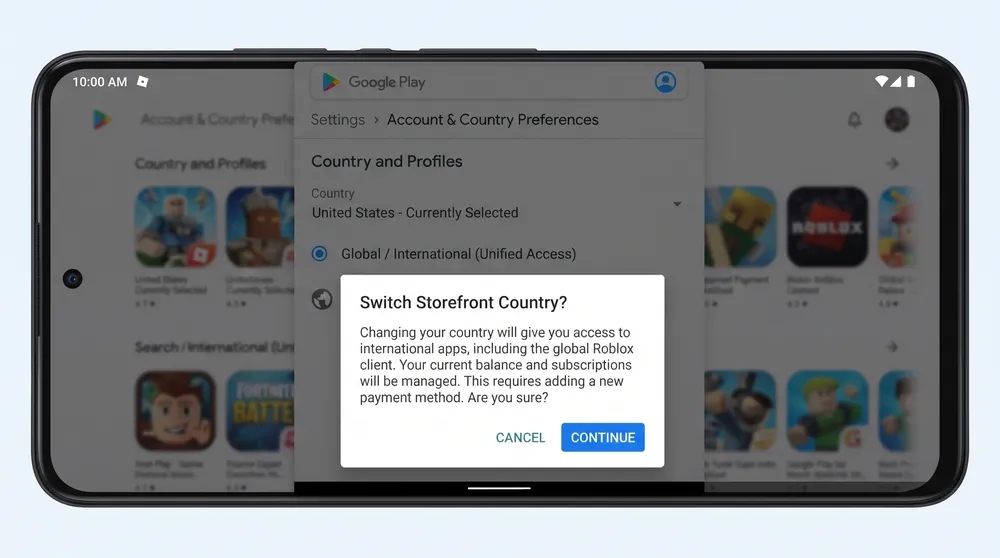
Because the Google Play Store detects regional IP addresses, installing the international APK requires one of two methods:
Method 1: The Direct APK Sideload
-
Download the verified global package from trusted community mirrors (such as APKPure or APKMirror).
-
Look for the package name
com.roblox.clientrather than the localized publisher package string. -
Enable Install from Unknown Sources in your Android device security settings and run the package.
Method 2: Regional Play Store Switching
-
Disconnect your regional SIM card or connect to a reliable external VPN network.
-
Clear the cache of the Google Play Store application under Settings > Apps > Google Play Store.
-
Switch to a secondary Google account registered outside your domestic region and search for "Roblox." The store will serve the uncensored international client.
Account Security and Data Migration
-
Will You Lose Existing Items? Your Robux balances, avatar inventory, game passes, and friend lists are stored on cloud servers. Logging into the global client restores your account state completely.
-
Avoid Unofficial Third-Party Clients: Never download modified executables from unknown social media links promising "free Robux." Only install installation packages compiled directly by Roblox Corporation to protect your account against credential theft.


