


Valorant Bans Explained: Suspension Tiers, Hardware ID Bans, and How to Submit an Appeal
Riot Games enforces strict behavioral and anti-cheat standards across its tactical shooter ecosystem. Whether triggered by repeated queue dodging, toxic voice communications, or unauthorized background software, understanding how a valorant ban operates helps players protect their accounts and resolve false flags.
As seen in our coverage of how Riot banned third-party instalock tools and our report on the risks of buying secondhand CPUs linked to hardware bans, Riot’s enforcement spans both account credentials and physical PC components.
Here is the complete breakdown of Valorant's penalty tiers, error codes, and official appeal procedures.
Types of Valorant Bans and Durations
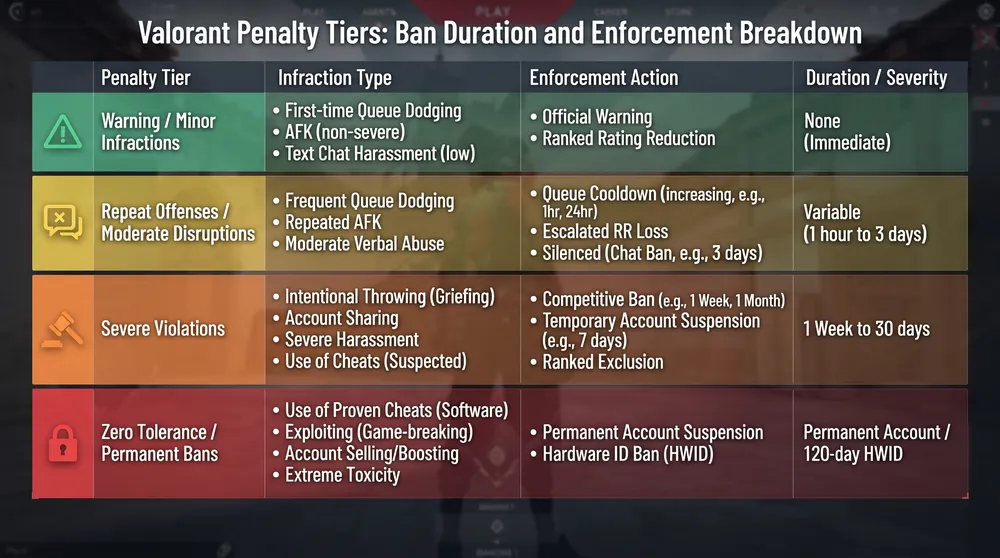
Riot Games scales penalties based on infraction severity and repeat offenses:
| Infraction Category | Common Triggers | Penalty & Duration |
| Queue Dodging / AFK | Abandoning agent select or disconnecting mid-match | Warning, escalating to 3-minute, 1-hour, 7-day, and seasonal Competitive bans |
| Disruptive Comms | Abusive text chat, voice harassment, or slurs | Voice/text chat mute (72 hours to 14 days), escalating to ranked restrictions and account suspension |
| Third-Party Automation | Auto-instalock scripts, recoil macros, or stream-sniping overlays | Temporary game suspension escalating to permanent account closure upon repeat detection |
| Cheating / Exploits | Aimbots, wallhacks, DMA devices, or severe map-breaking exploits | Permanent Account Ban + 120-Day Hardware ID (HWID) Ban |
How Hardware ID (HWID) Bans Work (Error VAN 152)
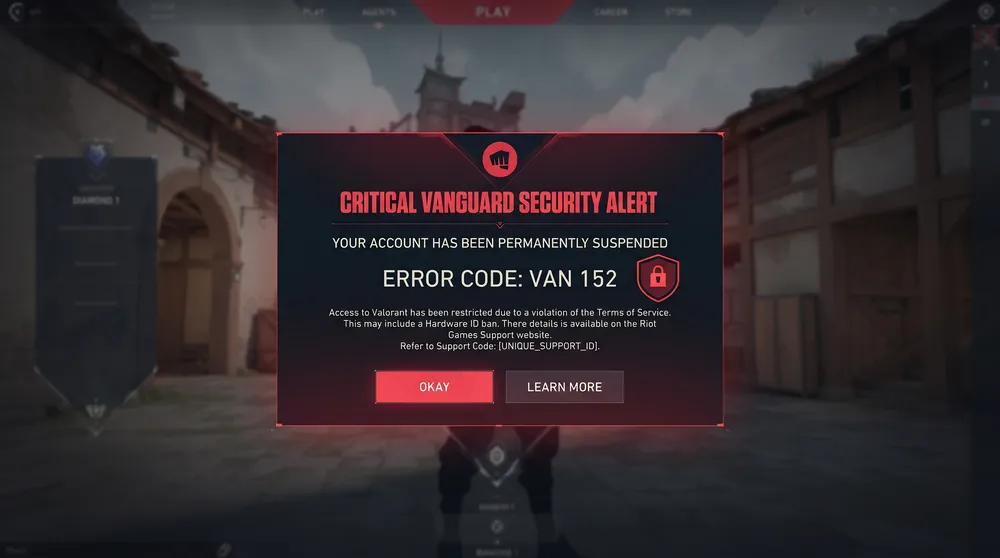
When Riot Vanguard detects cheating software, it issues a Hardware ID ban alongside a permanent account suspension:
-
Error Code VAN 152: Attempting to log into a clean, unbanned Riot account on a flagged computer triggers Error Code
VAN 152, immediately blocking client access. -
Duration: Standard Valorant HWID bans last 120 days (four months) from the date of detection. Attempting to bypass the restriction using third-party HWID spoofers resets the timer and results in permanent bans on any new accounts created during the window.
-
Secondhand PC Risks: Because Vanguard ties hardware signatures to specific components (such as motherboards, storage drives, and CPUs), purchasing used PC parts from a previously banned player can inadvertently lock your system until the 120-day window expires.
How to Appeal a Valorant Ban
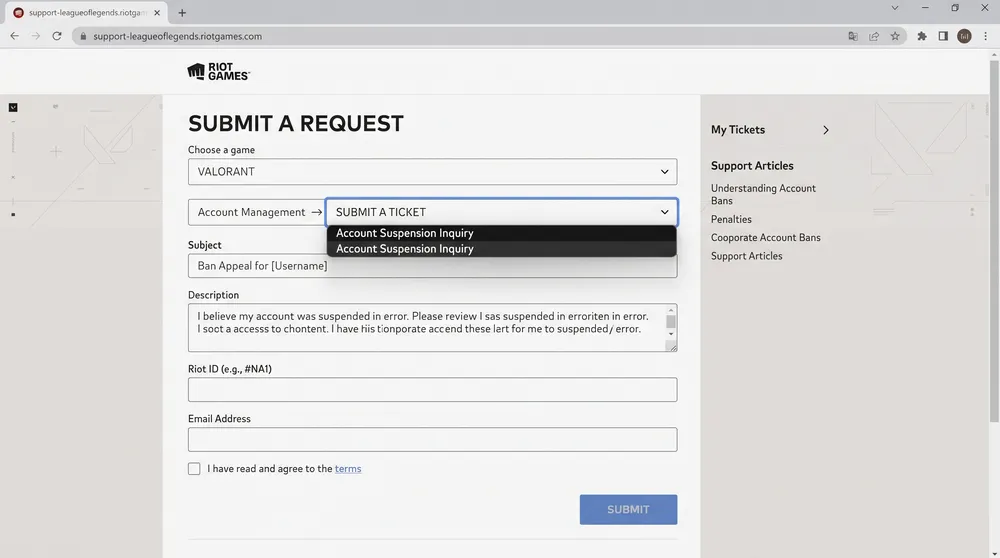
If your account was compromised by a hacker or flagged incorrectly, you can request a manual review through Riot Player Support:
-
Visit the Official Support Portal: Navigate to
support-valorant.riotgames.comand sign in with the affected account credentials. -
Submit a Ticket: Select Account Management, Data Requests, or Deletion, then choose Discuss a Personal Suspension or Restriction.
-
Provide Context Clearly: Explain the situation concisely. If your account was stolen, note any unfamiliar login locations or sudden match history anomalies so support agents can verify unauthorized IP activity.
-
Avoid Automated Spam: Submitting duplicate tickets slows down queue processing. Riot support typically reviews suspension appeals within 24 to 72 hours.


