
Dress to Impress Codes: Working Free Clothes, Accessories, and Redemption Guide
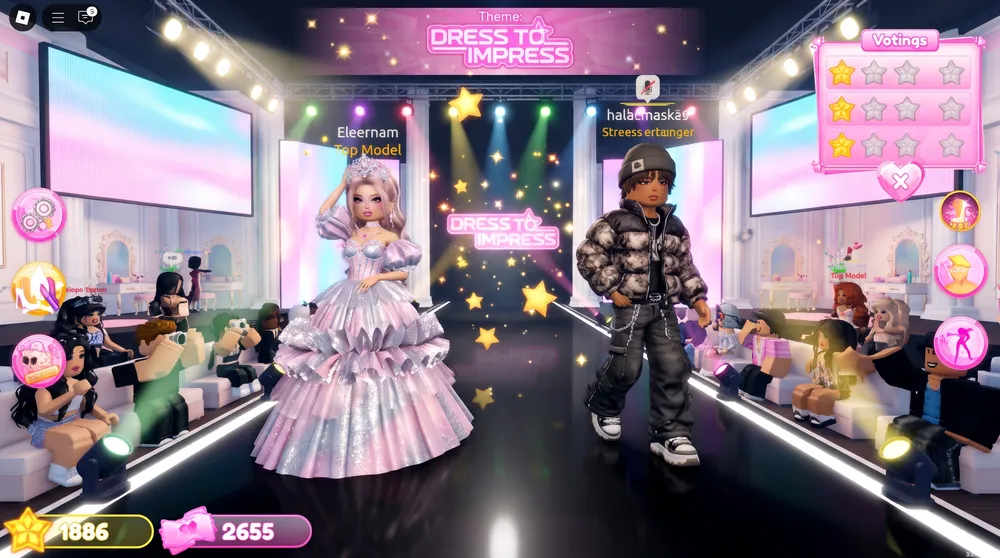
Dress to Impress (DTI) has transformed into one of the biggest fashion experiences in Roblox history, pulling in hundreds of thousands of daily runway contenders.
In a game where rounds give you only a few minutes to style an outfit matching competitive themes like Gothic Romance, 90s Grunge, or Met Gala, having access to an expanded wardrobe gives you a major voting edge.
While premium VIP areas and custom makeup require Robux purchases, the development team consistently releases promotional codes that unlock high-tier apparel, shoes, and jewelry for free.
Whether you are styling your runway look or refining your broader platform setup through our guide on how to get a transparent Roblox avatar, here is the full verified list of active Dress to Impress codes and the exact steps to redeem them.
Active Dress to Impress Codes
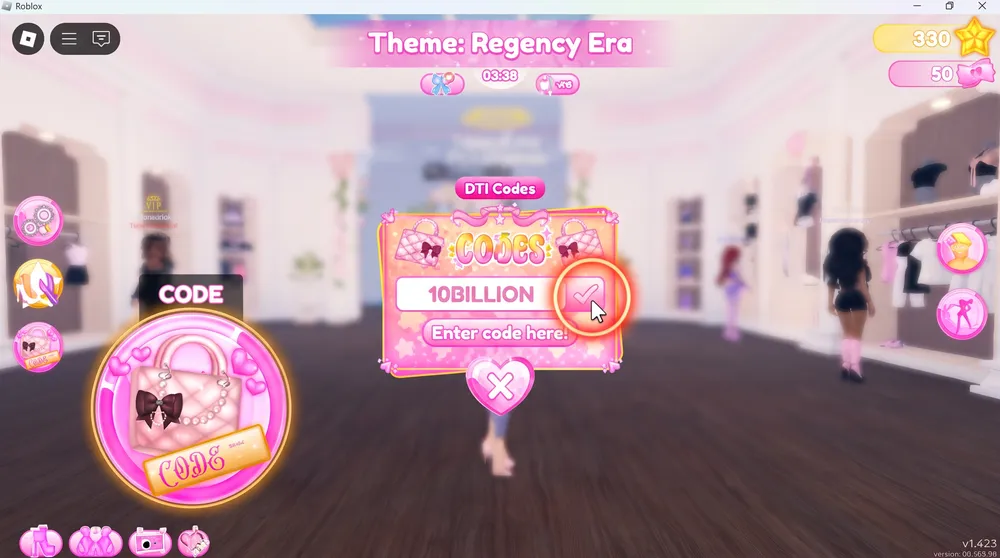
Below is the verified roster of codes currently active in the game. Input these strings exactly as written, as codes are case-sensitive:
| Code | Unlocked Free Reward | Item Slot |
| M3GAN | Exclusive Doll Dress and Headband Set | Dress / Hat |
| LANATIKTOK | Special Fur Hood Jacket and High Boots | Outerwear / Shoes |
| TEKKYOO2 | Chic Handbag and Designer Purse | Accessory |
| LABOOTS | Platform Winter Boots | Shoes |
| LANA | Classic Fur Trimmed Top and Shorts | Top / Bottom |
| BELAFASHION31 | Layered Ruffle Skirt | Skirt |
| KNTMR | Retro Knit Crop Sweater | Top |
| ASHLEYBUNNI | Pastel Bunny Slippers and Hairband | Shoes / Hair |
How to Redeem Codes in Dress to Impress
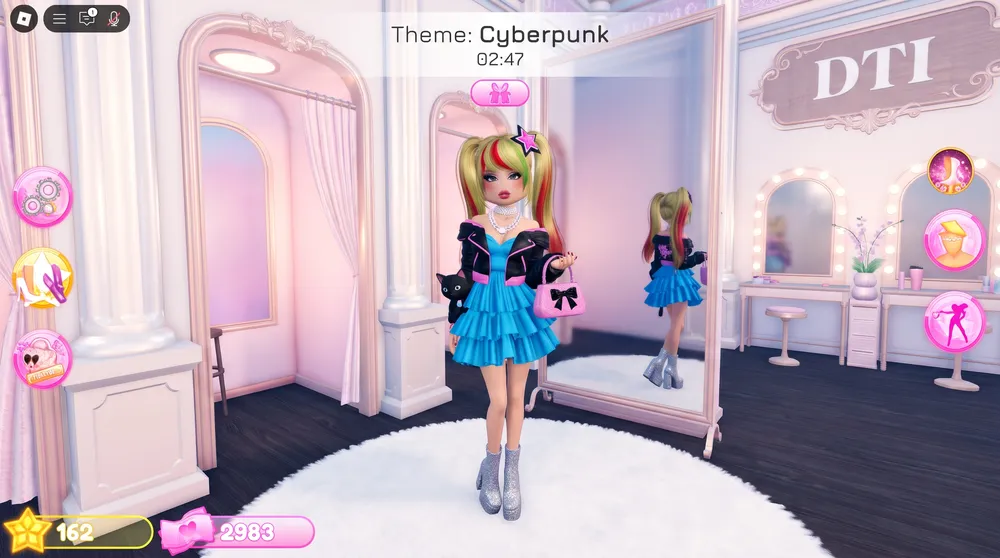
Claiming code rewards in DTI takes only a few seconds through the dressing room interface:
-
Launch Dress to Impress on the Roblox client across desktop, console, or mobile.
-
Once you spawn in the main dressing salon, look at the menu toolbar located on the left-hand side of your screen.
-
Click the icon shaped like a pink handbag with a star (Code menu).
-
A text box labeled Redeem Code will appear on your interface.
-
Copy an active code from our table above and paste it into the empty field.
-
Click the checkmark or submit button.
If successful, the screen displays a confirmation message and the unlocked piece of clothing deposits permanently into your dressing room wardrobe racks for all future rounds.
Why Is My DTI Code Not Working?
If a code returns an error message upon submission:
-
Spelling and Capitalization: Codes must match uppercase and lowercase patterns precisely. Ensure no accidental trailing space characters were copied from your clipboard.
-
Expired Windows: Seasonal event codes tied to summer updates or Halloween milestones expire once developer patches deploy.
-
Already Redeemed: Every promotional code functions once per unique Roblox account. If you already unlocked an item, entering the string a second time triggers an invalid notification.
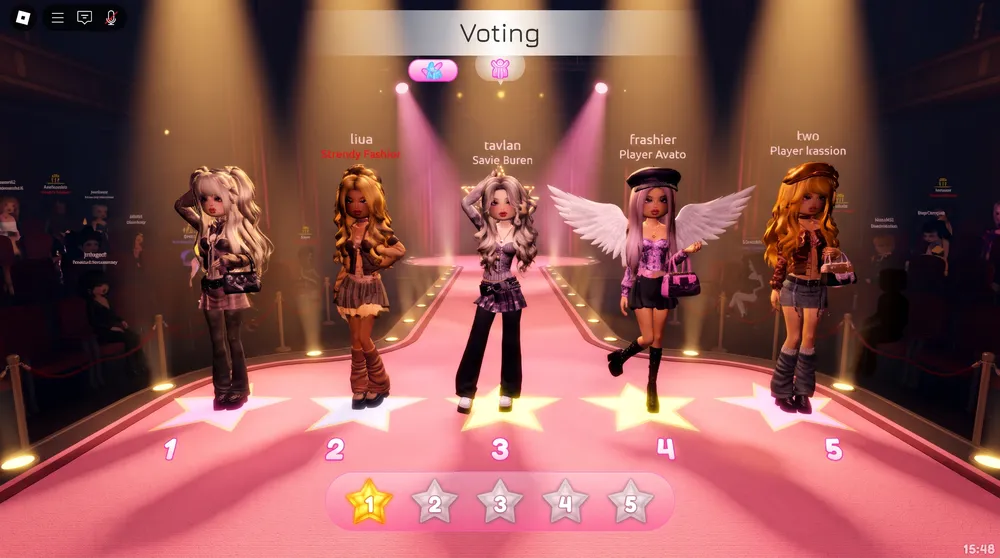
How to Earn Higher Stars on the Runway
Having code items in your inventory gives you unique silhouettes, but winning podium finishes requires strategic execution:
-
Layering Textures: Do not settle for single-tone garments. Combine jackets, corsets, and jewelry overlays to create visual depth that sets your outfit apart from default presets.
-
Custom Color Palettes: Use the hex color wheel in the dressing station rather than the basic color bar. Subtly desaturated pastels and deep velvet tones consistently score higher community ratings than bright neon primaries.
-
Nail and Hair Synergy: Take the final 45 seconds of each dressing phase to match your nail polish and hairstyle bangs to the overarching theme before walking out to the voting pedestals.


