How to Play Roblox in Your Browser Without Downloading
Not every computer features the administrative permissions or dedicated graphics hardware required to run native desktop software. Users operating on school Chromebooks, locked-down workplace machines, or low-tier hardware frequently search for ways to launch experiences straight from a web tab.
Similar to evaluating cross-platform controller options on Roblox for PS4 and PS5, playing inside a web browser requires understanding the boundary between local client rendering and remote cloud streaming.
Here is an analysis of how browser-based access works, verified cloud platforms, and critical security precautions.
Can You Play Roblox Directly in a Browser?
Under standard operating conditions, the Roblox platform requires a small local player client to render 3D environments, physics calculations, and user inputs on your local hardware. Web searches often lead to portals like Yandex Games or unblocked web repositories, but these portals rarely host actual game servers.
The only verified method to run the official Roblox ecosystem entirely inside an internet browser is via Cloud Mobile Streaming:
-
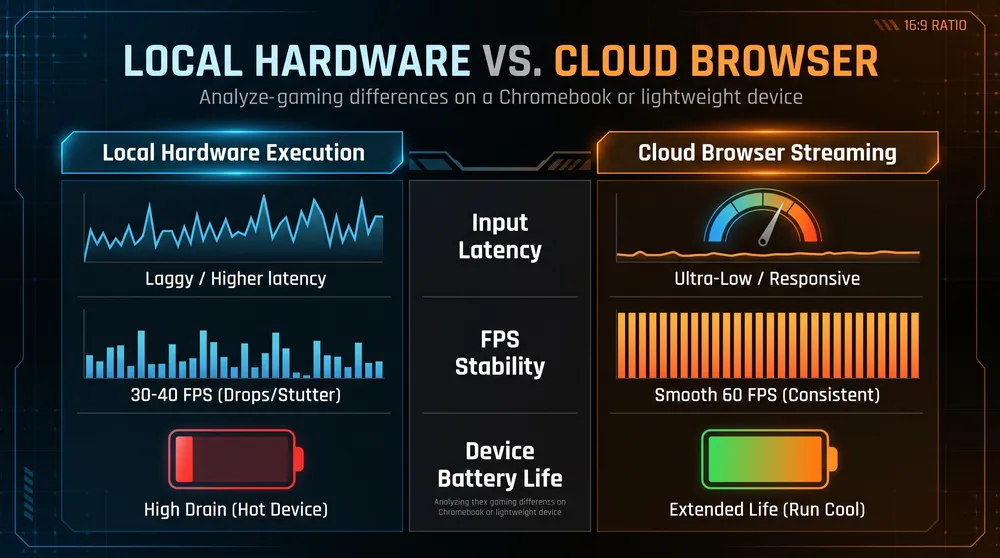
Server-Side Rendering: Cloud servers execute an Android instance of the game remotely, encoding the video output and streaming it directly to your browser over WebRTC.
-
Low Hardware Dependency: Because all 3D geometry is processed remotely, older laptops that struggle with basic frame rates can display clean 60 FPS feeds.
-
Zero Local Storage Footprint: Ideal for devices with minimal internal storage or strict operating system write restrictions.
Verified Cloud Streaming Services
-
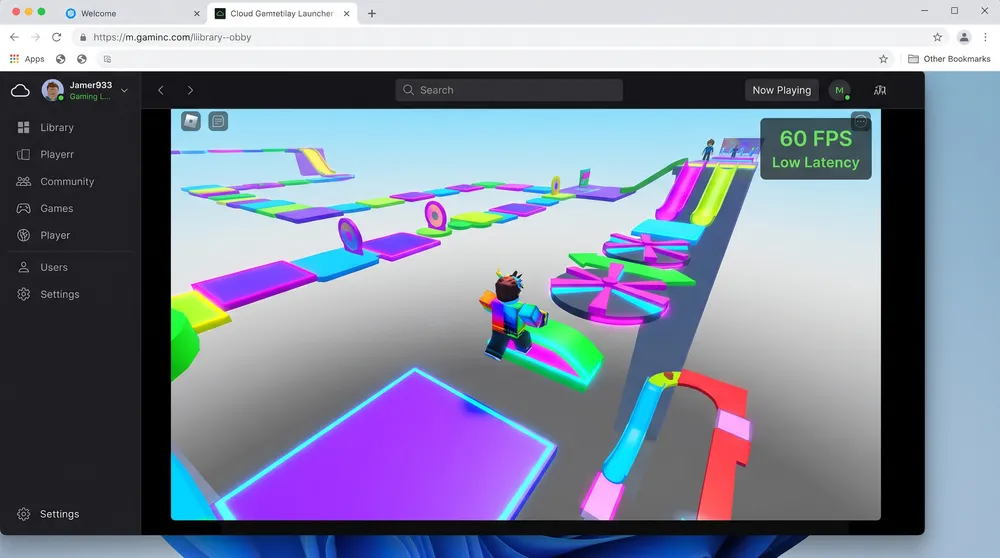
Now.gg Mobile Cloud: The primary platform offering genuine browser streaming for Roblox. Users navigate to the web page, select Play in Browser, and access an emulated Android client interface directly inside Google Chrome, Edge, or Safari.
-
Chromebook Android Subsystem: If cloud streaming incurs high input latency on your Wi-Fi network, modern Chromebooks can run the native Android app through the built-in Google Play Store layer, bypassing Windows-focused installation blocks.
Security Warnings: Avoiding Credential Phishing
Looking for browser-based workarounds exposes players to dangerous third-party web portals:
-
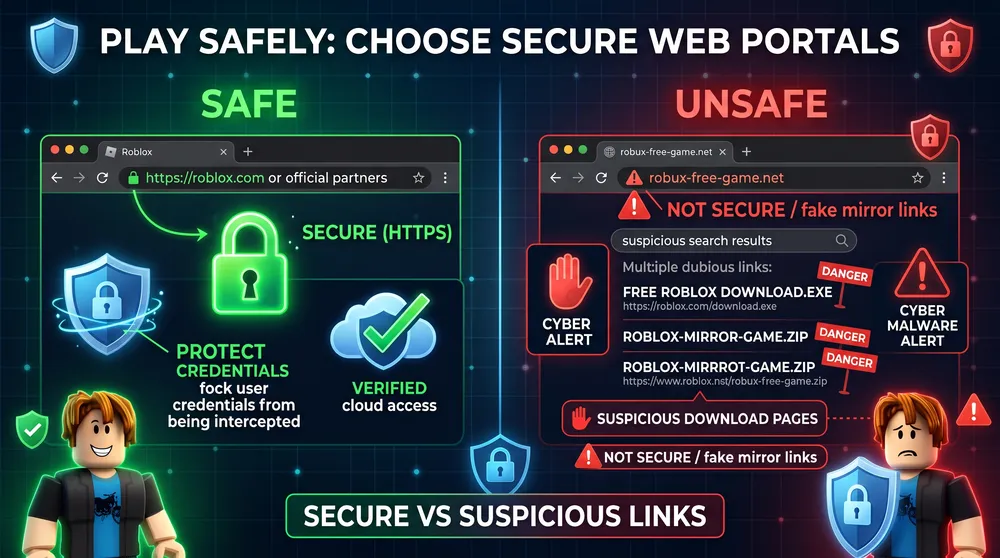
Never Input Passwords on Unverified Domains: Genuine Roblox cloud sessions run through verified service partnerships. Any portal asking you to enter login credentials or promising free Robux to access an in-browser client is an account-theft phishing site.
-
Mandatory Two-Factor Authentication (2FA): Ensure your account uses an authenticator app or hardware key. If you ever enter credentials on an unverified browser terminal, 2FA prevents attackers from gaining unauthorized access.