
How to Get The Hollow Skull in Roblox: Complete The Hollow Event Guide
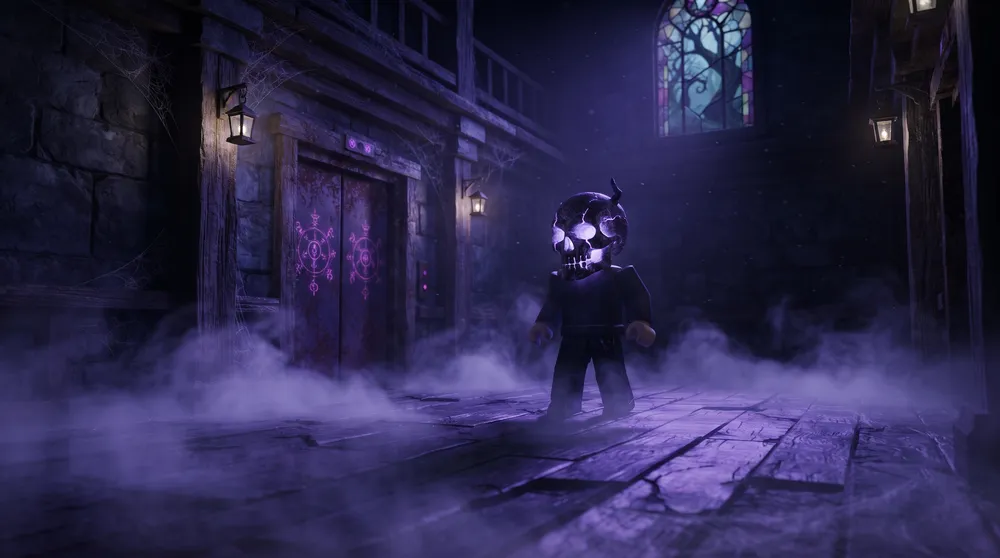
Roblox’s seasonal celebrations feature some of the most sought-after avatar cosmetics on the marketplace. Dropped directly by the official Roblox account as part of the Skull accessory series, The Hollow Skull has taken over search trends as players rush to secure this high-tier wearable before the seasonal event concludes.
Similar to navigating platform-wide configurations covered in our guide on how to fix Roblox errors and crashes, claiming event-exclusive collectibles requires completing precise objective chains within the game client.
Here is the step-by-step walkthrough on how to qualify for, navigate, and claim The Hollow Skull in Roblox.
What Is The Hollow Skull?
The Hollow Skull is an exclusive hat accessory published directly by Roblox Corporation. Equipped with detailed PBR (Physically Based Rendering) texture layers and a distinct emissive mask, the item carries the in-game catalog description: "I spoke without a mouth, I guided without a face. When the end came for us both, only I was left in its place."
-
Item Type: Hat Accessory
-
Event Origin: The Hollow (2026 Event Hub)
-
Rarity Status: Event Grand Prize (Available for a limited time before going off-sale)
Prerequisites: Unlocking Floor 10
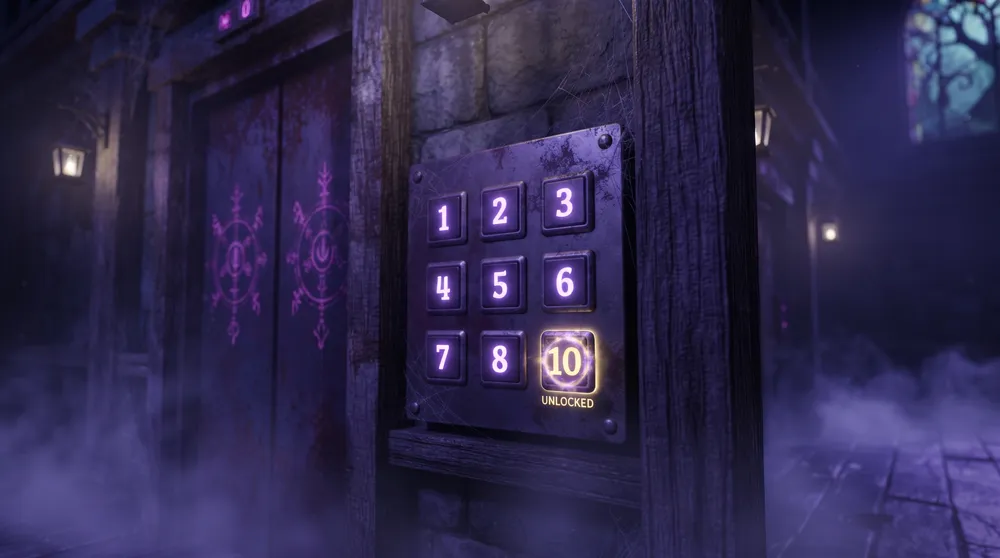
You cannot skip directly to the end of the event hub. The central elevator strictly gates access based on total level completion:
-
Clear Floors 1 Through 9 First: Before the elevator control panel accepts input for the final chamber, you must complete the survival objectives, puzzles, and escape sequences on every preceding level.
-
Badge Verification: Ensure you receive the completion badge for each level. If a network desynchronization drops you from an earlier stage before registering your completion, the elevator will treat Floor 10 as locked.
Step-by-Step: Beating the Floor 10 Obby
Once all prior stages are verified in your session log, step into the main elevator and select Floor 10:
-
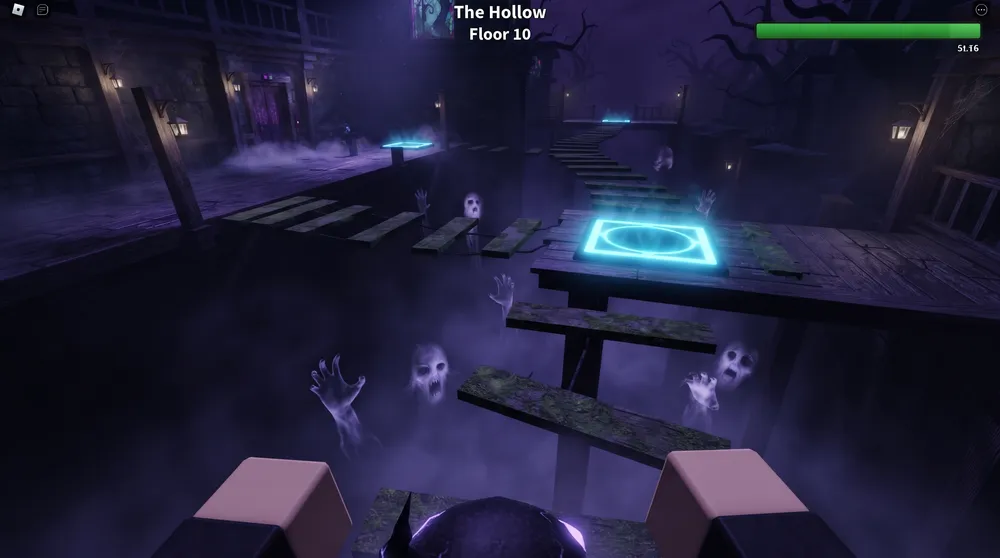
Watch for Thin Collision Boxes: The final stage consists of an aerial platforming gauntlet (obby). Many of the floating planks feature narrow collision geometry, so adjust your camera to a top-down angle to gauge landing zones accurately.
-
Tag Every Checkpoint: The course includes intermediate checkpoint pads along the primary pathway. Step squarely onto each glowing pad to save your progression in case a miscalculated jump sends your avatar over the edge.
-
Maintain Jump Cadence: Timed spectral hazards trigger along the middle section of the obby. Wait for each hazard animation to complete its burst cycle before executing double-jump or sprint-jump inputs.
-
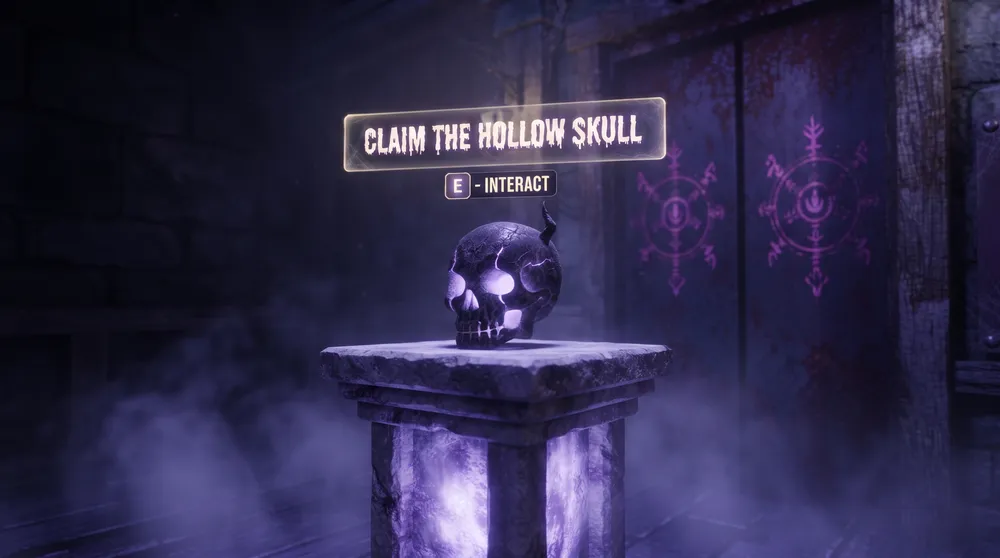
The Final Elevator Exit: Reach the end of the course and step into the terminal elevator chamber. An automated prompt will trigger, granting you the official event completion badge and automatically depositing The Hollow Skull into your global inventory.
Event Expiration and Trade Outlook
The Hollow is scheduled to close on November 2, 2026. Once the event gates close, The Hollow Skull will remain permanently off-sale.
While Roblox Corporation decides whether event-earned cosmetics transition into tradeable Limiteds at a later date, completing the run while the event remains live is the only guaranteed way to add the accessory to your avatar collection for free.


